
-
The Best CRM for Mac in 2026: 14 Top Picks for Freelancers & Small Teams

Image: ChatGPT TL;DR: Best CRM for Mac
The best CRM for Mac in 2026 depends on what you need. Daylite is the strongest fully native pick, Less Annoying CRM the simplest place to start, and Bonsai is great if you want invoicing and contracts bundled in with your client records. Here, native apps aren’t everything. Several of the best tools in this category, including Pipedrive, HubSpot and Capsule, are web apps that run smoothly on a Mac rather than being built for one. Most of these apps don’t track how long you actually spend on a client, though. If you bill hourly or on a flat fee, pair whichever CRM you pick with Timing.
Hunting for the best CRM for Mac? Search for “CRM” on its own and you’ll find page after page of enterprise sales platforms built for 20-person sales teams, bursting with features that likely don’t apply to you. Add “for Mac” to that search and it gets messier still. Some of what comes up is built specifically for macOS, some just happens to open in Safari, and most reviews don’t bother telling you whether that matters.
This guide is designed to make your decision quicker and easier. We’ve sorted our list of 14 recommended CRMs and contact managers into four categories: a handful built specifically for Mac, lighter contact-first native tools, web apps worth using because they feel right at home on a Mac, and all-in-one suites for freelancers who want everything under one roof. If you’re assembling the rest of your toolkit at the same time, our Best Freelance Apps for Mac article covers the wider ground.
Whatever unique challenge or workflow issue you’re trying to solve, you’ll find a solution that’s right for your needs. Start by taking a look at the comparison table if you want a high-level overview first.
-
Best AI Writing Tools for Mac in 2026: Top Software by Task

Image: Ron Lach TL;DR: Best AI Writing Tools for Mac in 2026
Here, we explore the best AI writing tools for Mac in 2026, including Cotypist, Jasper, Frase, Lex, Type, Grammarly, RewriteBar, Refine, Sudowrite and Novelcrafter. They’re defined by the specific challenge they solve, whether that’s drafting marketing copy, helping you rank for SEO, spotting typos or writing fiction from scratch. Ultimately, there’s no clear winner. Instead, we recommend you match your chosen tool (or tools) to the task at hand.
Even for an experienced writer, the blank page can be an intimidating space. The potential, the pressure, that blinking cursor. Fortunately, like so many other areas of our lives, AI is here to help. For writers, the best AI writing tools in 2026 solve specific, practical problems, like providing a solid first draft you can edit, keeping a brand’s voice consistent across your team, and catching typos before a client sees them.
No piece of software does all of these jobs equally well. To help you choose, we’ve identified each app’s stand-out features so that you can easily spot which one you should integrate into your tool stack.
-
The Best Apps for Lawyers in 2026: Top Mac Tools

Image: Sora Shimazaki TL;DR: Best Apps for Lawyers in 2026
The best apps for lawyers on Mac in 2026 are those that help to streamline your daily tasks and workflow. They should capture your billable hours, like Timing; keep your case files searchable and local, like DEVONthink; and manage your PDFs, like PDF Expert. Clio is a solid practice-management baseline for firms that want one hub, but it’s also worth building up a toolstack that serves your needs exactly.
Every hour a lawyer can’t account for is money left on the table. The time lost to unlogged calls, spent hunting for contracts across folders, and navigating cluttered calendars all adds up. The best apps for lawyers are the ones that help you work quicker, more effectively and more intuitively. They should free up your time and energy from the tedious and mundane so that you can get on with the billable work at hand.
Our list of the top apps for attorneys is specifically for Mac users. It covers the best software for lawyers across every part of the working day: tracking time, drafting and managing documents, handling PDFs, meeting deadlines and issuing invoices. And since confidential client data runs through everything you do, these apps prioritize privacy and data protection, too.
While Clio remains the practice-management standard many firms use as a foundation, it doesn’t solve every pain point. In fact, we recommend a combination of focused tools, with or without Clio, to help you meet your needs. Here’s the full 2026 line-up.
-
Best Receipt Scanner Apps for Mac in 2026: 7 Picks for Every Workflow

Image: Kaboompics TL;DR: Best Receipt Scanner Apps for Mac in 2026
The best receipt scanner app should cater for Mac users who want a proper desktop workflow, from capturing a receipt to handing it to your accountant. Our review features Mac-native tools like Receipts Space, industry heavyweights like Expensify and accountant favorites like Dext. Consider your most pressing needs and find the solution that’s right for you.
Receipt management tends to be a grudge task. Receipts pile up in wallets, inboxes and the bottom of bags until, one day, an expense report or a tax return forces you to pay attention to them. A good receipt scanner app solves this problem, helping you to scan and extract data in an instant. The best receipt scanner app takes this further by storing, organizing and exporting your information into a useful format. Use the right tool to your advantage, and managing your receipts quickly becomes a breeze.
In this guide, we’ve looked at some of the best receipt scanner apps for Mac users. We’ve explored tools that work well on macOS and iOS, covered the full receipt pipeline from capture to accountant hand-off, and included options at every price point. Each app has its own unique characteristics and benefits so it’s worth taking the time to think about what would best fit your workflow before giving one a try.
Let’s get started.
Read More… -
The Best Timeboxing Apps for Mac in 2026: Plan, Block, and Focus Your Day
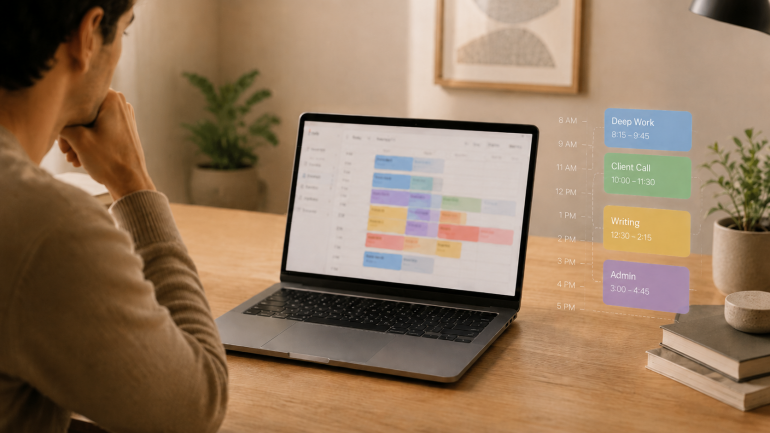
Image: Generated with ChatGPT TL;DR: Best Timeboxing Apps for Mac in 2026
Fantastical is the best Mac-native timeboxing app — it pairs a polished native calendar with tasks, natural-language entry, and an Apple Intelligence-assisted parser. This guide covers:
- 8 apps compared: from native Mac calendars to AI auto-schedulers, ranked Mac-native apps first
- Top pick (Mac-native): Fantastical — native, with an Apple Intelligence-assisted parser
- Best fully free + native: Notion Calendar — drag-and-drop time blocking
- Best free planner with optional Pro: Routine — tasks, calendar, and notes in one app
- Best dedicated timeboxing planner: Akiflow — universal task inbox plus command bar
- Best guided daily ritual: Sunsama — structured plan-and-shutdown workflow
- Best AI auto-scheduler: Motion — rebuilds your day as priorities shift
- What to look for: two-way calendar sync, native Mac feel, keyboard-first capture, integrations with your task manager
The best timeboxing apps for Mac fix the part of productivity that planning alone never solves. Most productivity advice tells you to “plan your day.” Planning is the easy part — a list of intentions takes ten minutes. The hard part is doing the work in the slot you set aside for it, and that is where these apps earn their keep.
Timeboxing means assigning one specific task to a specific slot on your calendar with a fixed end time. It is different from the Pomodoro technique (a repeating 25/5 cycle for whatever is in front of you) and broader than time blocking (which groups similar tasks into longer activity blocks). For the wider category map, our guide to block scheduling covers all four approaches side by side.
Timeboxing builds the plan. Automatic time tracking provides the proof — the part most planners skip. We will cover eight timeboxing apps for Mac, then show how pairing one with Timing closes the loop between what you intended to do and what you actually did.
-
The Best Accounting Software for Mac: 9 Honest Picks for 2026
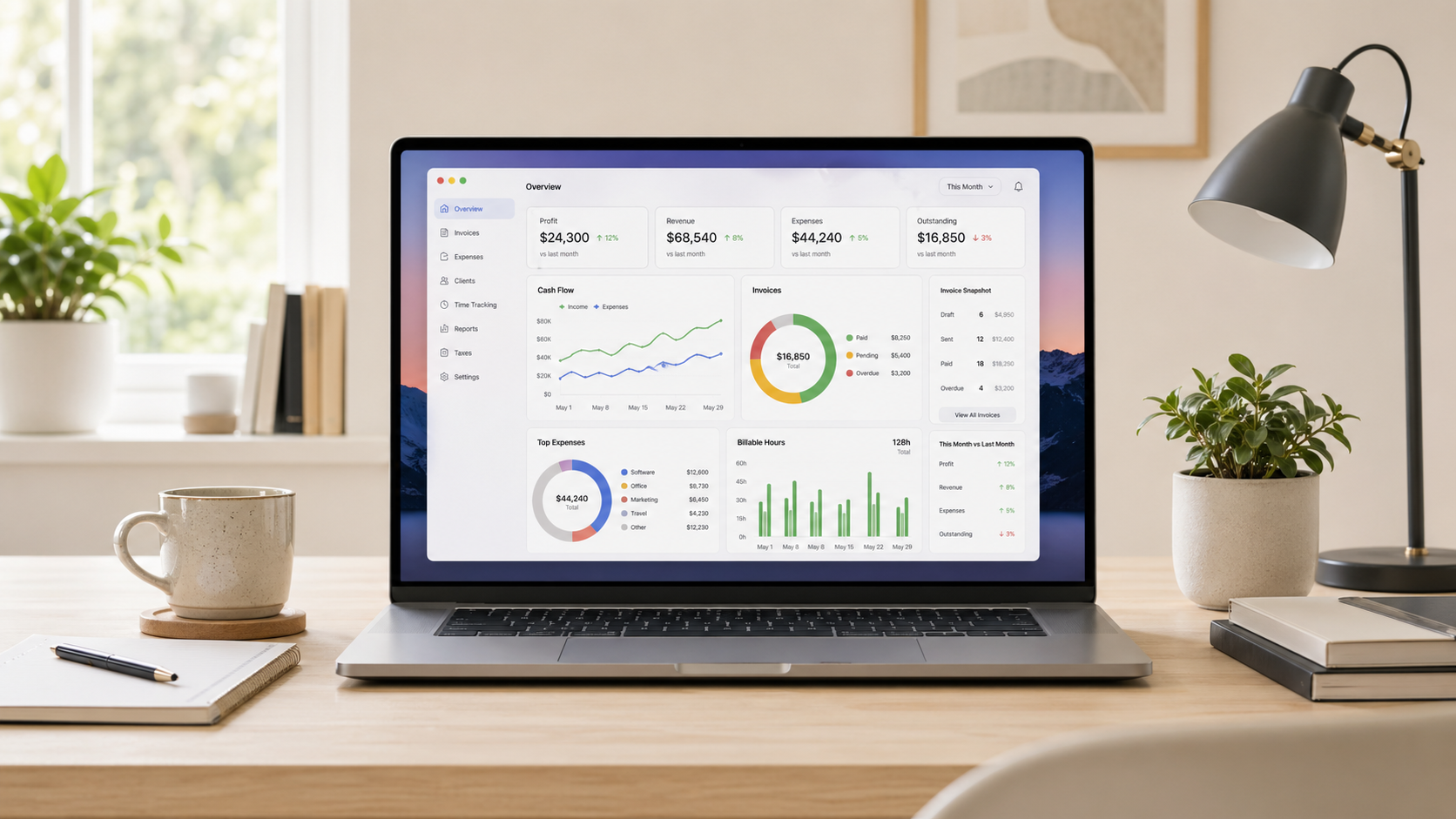
Image generated by ChatGPT TL;DR: Best Accounting Software for Mac in 2026
The best accounting software for Mac depends on what your business needs. QuickBooks Online is the US standard, Xero is the best all-round alternative and FreshBooks is the top pick for freelancers. All of the apps in this guide work on Mac — but they’re not all created equal. Here, we review them in detail so that you can find the one that’s right for you.
Finding the best accounting software for Mac can be a frustrating experience. It’s a crowded market, the feature sets tend to overlap, and not every app that claims Mac compatibility feels seamless and intuitive on Apple devices. Of course, there’s the added pressure that your chosen tool has the responsibility of managing your business’s finances. It’s got to be a solution you love — a tool that’s easy to use and meets your unique financial, tax and reporting needs.
To help you narrow your options, we’ve assessed nine of the leading Mac accounting software for freelancers, small businesses and growing teams. Take a look at our handy comparison table if you want to see a quick overview or dive into our reviews for a more detailed comparison.
-
The Best Apps for Time Management on Mac in 2026: A 4-Stage Toolkit
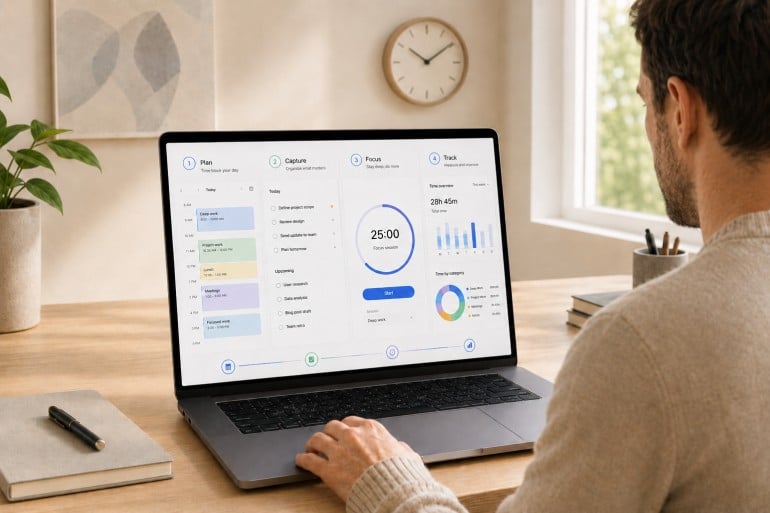
Image: Generated with ChatGPT TL;DR: Best Apps for Time Management on Mac in 2026
The best apps for time management on Mac form a 4-app stack: a calendar for planning, a task manager for capture, a focus app (Pomodoro timer or distraction blocker) for protecting the session, and an automatic time tracker so you actually know where your hours go.
- 13 apps reviewed across 4 workflow stages
- Top all-rounder pairing: Fantastical + Things 3 + Focus/Freedom + Timing
- What to look for: Mac-native design, Apple ecosystem integrations, and apps that complement rather than overlap
Most “best time management apps” lists pick fifteen random apps and rank them as if they’re solving the same problem. They aren’t. Time management isn’t one job. It’s four. The best apps for time management on Mac are the ones that fit cleanly into the four stages of a workday: plan, capture, focus, and track.
Mac users assemble their stack from specialists for a reason. The right calendar won’t make your day distraction-free. The strictest distraction blocker still won’t tell you where last Tuesday actually went. Each stage answers a different question, and trying to cover all four with one app usually means doing all four poorly. If you’re already looking at your habits, our guides on time management tips and how to limit distractions are good companion reads.
This guide is a curated stack rather than a feature list. We reviewed thirteen of the strongest apps for time management on Mac across the four stages, drawing on deep dives we’ve published this year on calendar apps, Pomodoro timers, distraction blockers, and time tracking apps.
-
The Best Journaling Apps for Mac: 10 Digital Diaries Compared (2026)

Image: Matheus Bertelli TL;DR: Best Journaling Apps for Mac in 2026
If you’re trying to establish a journaling practice or improve your existing one, finding the right digital diary can take a little research. This roundup covers the 10 best journaling apps for Mac in 2026. It includes powerful all-rounders like Day One, structured tools like Grid Diary, and free, built-in solutions like Apple Journal. Take a look at our honest reviews and handy comparison to find the solution that best suits how you think and write.
The benefits of journaling are no longer anecdotal — the science speaks for itself. Maintaining a regular writing habit has been shown to alleviate depression, reduce the stress hormone cortisol, promote neuroplasticity, and even boost your immune function and physical health. If you’re looking for some or all of these advantages, our list of the best journaling apps for Mac is here to help.
Our reviews include everything from powerful heavyweights to minimal writing tools. And every app has been considered with Mac users specifically in mind. This means we’ve factored in how native the experience feels, how well it syncs between devices, and how it handles privacy. Whatever kind of journaler you are, or want to become, there’s something here for you.
-
The Best Pomodoro Apps for Mac in 2026: Focus Timers for Every Workflow

Image: Generated with ChatGPT TL;DR: Best Pomodoro Apps for Mac in 2026
Focus by Meaningful Things is the best Pomodoro app for Mac — a polished, Apple-native timer with 10+ years of refinement, built-in task management, and broad Apple platform support. This guide covers:
- 7 apps compared: From pure timers to distraction blockers to gamified focus tools
- Top pick overall: Focus — built-in task management, iCloud sync, Apple Watch + Vision Pro support
- Best for deep integrations: Session — Slack status, Apple Calendar, intention-setting workflow
- Best fully free option: TomatoBar — open-source, menu bar-first, native macOS timer
- Best polished free tier: Flow — a beautiful Apple-platform timer with a genuinely usable free plan
- What to look for: Timer flexibility, distraction blocking, Apple ecosystem support, and analytics
Looking for the best Pomodoro apps for Mac? We evaluated seven focus timers for macOS and picked the ones that go beyond a simple countdown — with distraction blocking, task management, Apple ecosystem sync, and session analytics. Whether you need a polished Apple-native timer, a strict website blocker, or a free open-source option, this guide covers it.
The Pomodoro technique has survived for nearly four decades because it solves a universal problem: you sit down to do deep work, and twenty minutes later you’re reading about the history of the Suez Canal on Wikipedia. The formula is simple — work for 25 minutes, break for 5, repeat. But when every timer app looks the same, the real value is in what happens around the countdown: blocking, tracking, syncing, and reporting.
We also explain how pairing a Pomodoro app with automatic time tracking gives you the complete picture of your workday — not just when you focused, but what you focused on.
-
Best Mac Menu Bar Apps in 2026: Tiny Utilities That Save You Hours
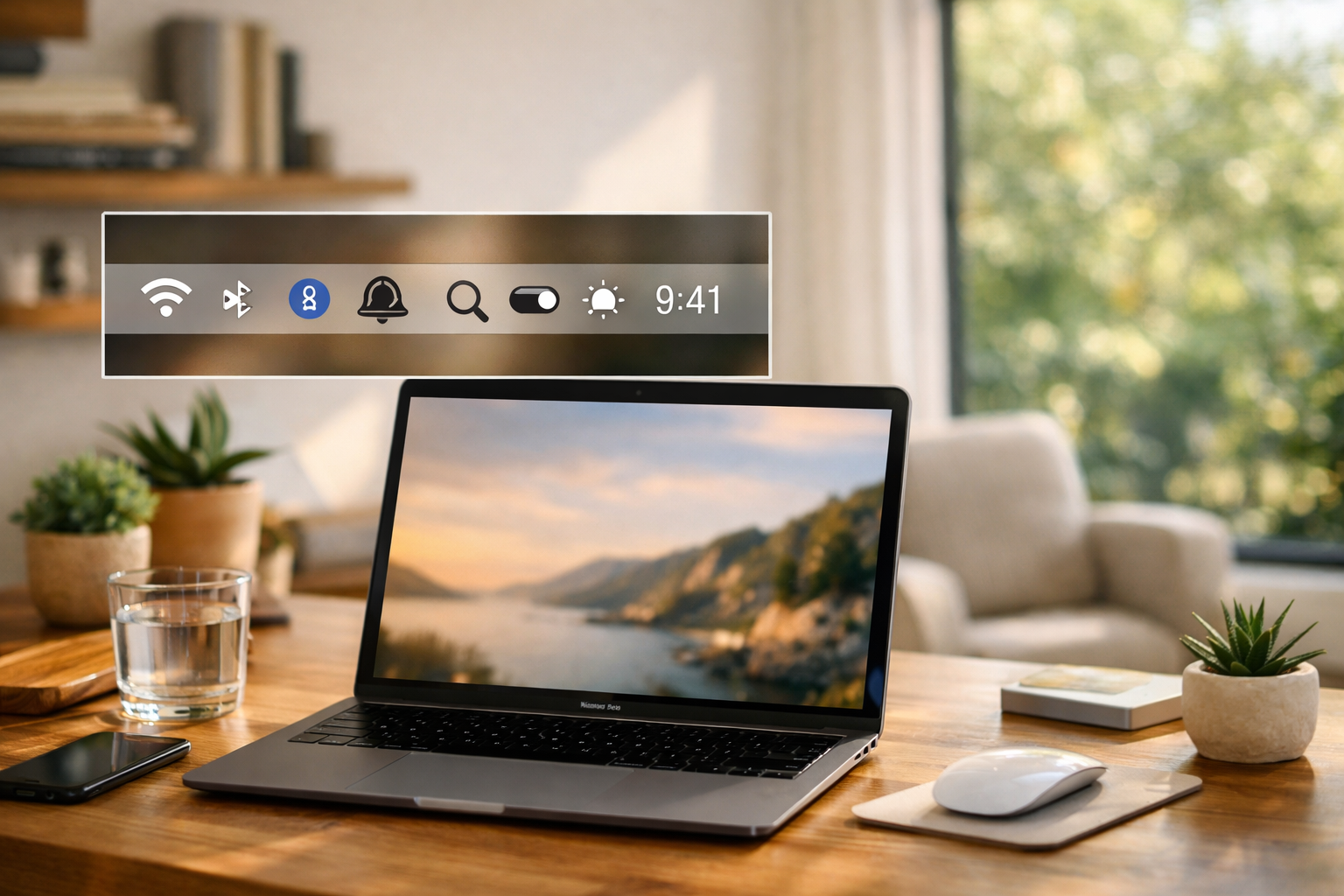
Image generated by ChatGPT TL;DR: Best Mac Menu Bar Apps in 2026
The best Mac menu bar apps help you do more with fewer clicks. What that means is up to you. Hiding cluttered icons, keeping key system stats visible, or joining meetings faster. Since menu bar space is limited (especially on notched MacBooks), every icon should earn its place with real information or quick actions. In this guide, we focus on tools that deliver meaningful value from the menu bar, not apps that simply take up space. We’ll also show how automatic time tracking, like Timing, fits into a power-user setup for tracking your work without constant manual timers.
If you’re hunting for the best menu bar apps for Mac, you’re probably trying to reduce friction in your workflow. You’re likely looking to minimize distractions, complete certain tasks quicker or get at-a-glance visibility. The menu bar can serve as a contained command center, but only if you keep it lean and filled with handy, regularly used tools. Here, we explore Mac menu bar apps that are designed to improve your menu bar experience, whatever your needs.
