
-
The Best Timeboxing Apps for Mac in 2026: Plan, Block, and Focus Your Day
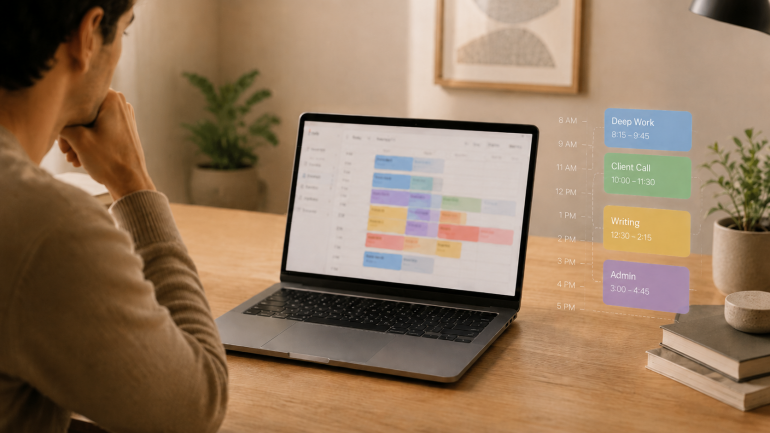
Image: Generated with ChatGPT
The best timeboxing apps for Mac fix the part of productivity that planning alone never solves. Most productivity advice tells you to “plan your day.” Planning is the easy part — a list of intentions takes ten minutes. The hard part is doing the work in the slot you set aside for it, and that is where these apps earn their keep.
Timeboxing means assigning one specific task to a specific slot on your calendar with a fixed end time. It is different from the Pomodoro technique (a repeating 25/5 cycle for whatever is in front of you) and broader than time blocking (which groups similar tasks into longer activity blocks). For the wider category map, our guide to block scheduling covers all four approaches side by side.
Timeboxing builds the plan. Automatic time tracking provides the proof — the part most planners skip. We will cover eight timeboxing apps for Mac, then show how pairing one with Timing closes the loop between what you intended to do and what you actually did.
-
The Best Apps for Time Management on Mac in 2026: A 4-Stage Toolkit
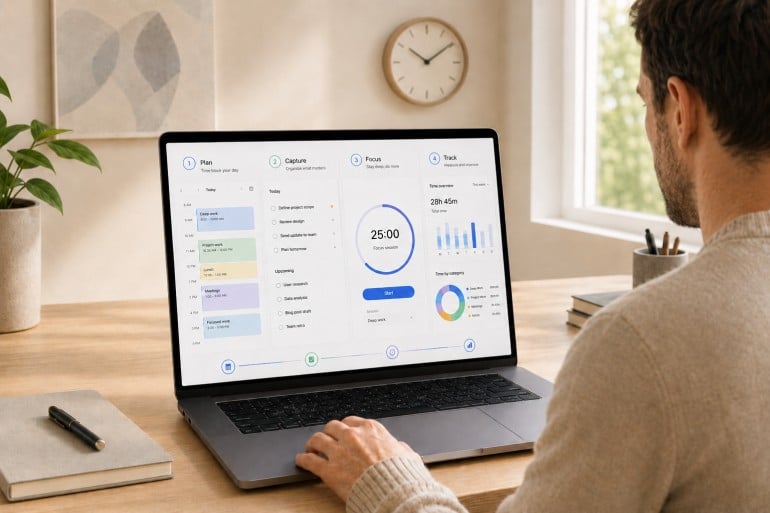
Image: Generated with ChatGPT
Most “best time management apps” lists pick fifteen random apps and rank them as if they’re solving the same problem. They aren’t. Time management isn’t one job. It’s four. The best apps for time management on Mac are the ones that fit cleanly into the four stages of a workday: plan, capture, focus, and track.
Mac users assemble their stack from specialists for a reason. The right calendar won’t make your day distraction-free. The strictest distraction blocker still won’t tell you where last Tuesday actually went. Each stage answers a different question, and trying to cover all four with one app usually means doing all four poorly. If you’re already looking at your habits, our guides on time management tips and how to limit distractions are good companion reads.
This guide is a curated stack rather than a feature list. We reviewed thirteen of the strongest apps for time management on Mac across the four stages, drawing on deep dives we’ve published this year on calendar apps, Pomodoro timers, distraction blockers, and time tracking apps.
-
The Best Pomodoro Apps for Mac in 2026: Focus Timers for Every Workflow
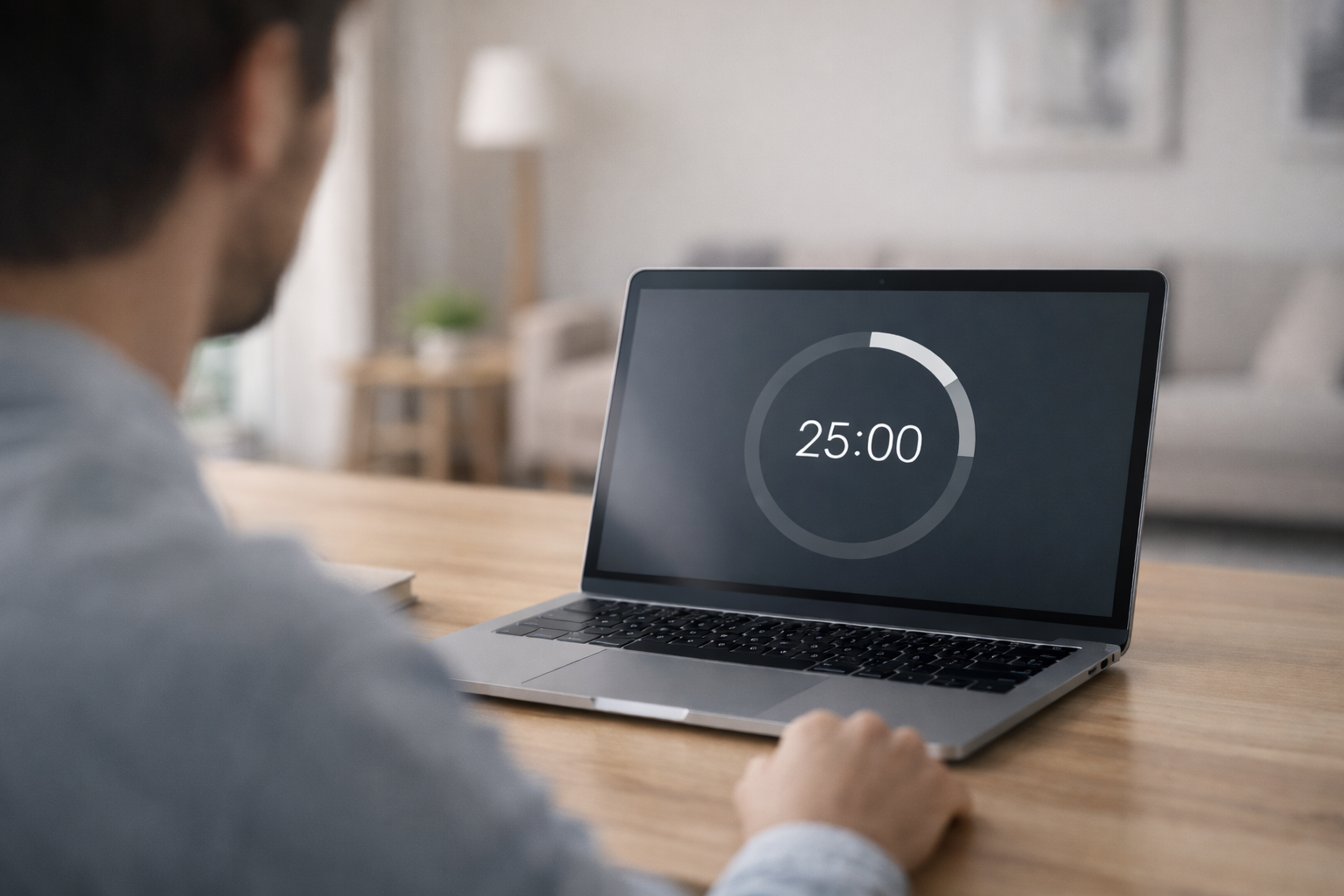
Image: Generated with ChatGPT
Looking for the best Pomodoro apps for Mac? We evaluated seven focus timers for macOS and picked the ones that go beyond a simple countdown — with distraction blocking, task management, Apple ecosystem sync, and session analytics. Whether you need a polished Apple-native timer, a strict website blocker, or a free open-source option, this guide covers it.
The Pomodoro technique has survived for nearly four decades because it solves a universal problem: you sit down to do deep work, and twenty minutes later you’re reading about the history of the Suez Canal on Wikipedia. The formula is simple — work for 25 minutes, break for 5, repeat. But when every timer app looks the same, the real value is in what happens around the countdown: blocking, tracking, syncing, and reporting.
We also explain how pairing a Pomodoro app with automatic time tracking gives you the complete picture of your workday — not just when you focused, but what you focused on.
-
The 9 Best Distraction Blockers for Mac in 2026
 Image: Ola Dapo
TL;DR: Best Distraction Blocker for Mac in 2026
The best distraction blocker for Mac depends on how strict you need it to be. Freedom is the best all-rounder with cross-device blocking and Locked Mode. Cold Turkey is unbeatable for strict enforcement. SelfControl is the best free option. For a gentler approach, one sec uses behavioral science to break scrolling habits. And macOS Screen Time works for basic needs without installing anything new.
If you struggle with focus on your Mac, you’re not alone. Between Slack pings, social media tabs, and the endless pull of YouTube and Reddit, staying on task can feel impossible — especially when you work from home or set your own schedule.
A distraction blocker for Mac can help. Unlike simple website blockers that only prevent you from visiting certain URLs, the best distraction blockers take a more holistic approach. They block distracting apps and websites, manage notifications, enforce timed focus sessions, and even use behavioral science to break the automatic reach-for-your-phone habit.
We’ve reviewed the best distraction blockers for Mac in 2026 — from hardcore lockdown tools you genuinely cannot bypass, to gentle friction-based apps that nudge you back to work. Whether you’re a freelancer protecting billable hours, a student battling social media, or a remote worker who needs structure, there’s an option here for you.
Looking specifically for website blockers? Check out our companion guide: How to Block Websites on Mac, which covers step-by-step setup instructions and more technical blocking methods.
-
Die 12 besten Apps für Mac‑Power‑User – maximale Produktivität 2026
Bild generiert von Dall‑EIhr Mac ist eine leistungsstarke Maschine — nutzen Sie sein volles Potenzial? Mac‑Power‑User kennen die Leistungsreserven unter ihren Fingerspitzen. Sie wissen: Wer die erweiterten Möglichkeiten seines Systems versteht und die richtigen Tools einsetzt, kann seinen Workflow massiv beschleunigen und die Produktivität steigern. Während Gelegenheitsnutzer mit Grundfunktionen zufrieden sind, optimieren Power‑User jeden Handgriff, um schneller und effizienter zu arbeiten.
Der entscheidende Unterschied liegt oft in einem Arsenal spezialisierter Apps. Diese Tools sind nicht nur „nice to have“, sondern Game‑Changer, die die Interaktion mit dem Mac grundlegend verändern. Das Spektrum reicht von automatischer Zeiterfassung über blitzschnelle App‑Launcher bis hin zu mächtiger Automatisierungssoftware.
In diesem Beitrag definieren wir, was ein Mac‑Power‑User ist, skizzieren zentrale Eigenschaften und stellen 12 Apps vor, die Ihre Arbeit auf dem Mac auf ein neues Niveau heben.
-
Bildschirmzeit auf iPhone, iPad & Mac: Leitfaden 2026
Es versteht sich fast von selbst: Ohne unsere digitalen Geräte könnten wir heute kaum leben. Sie sind zu einem unverzichtbaren Bestandteil unseres Privat- und Berufslebens geworden und verbinden uns aus den unterschiedlichsten Gründen täglich unzählige Male mit Freunden, Familie, Kolleginnen und Kollegen – und dem Rest der Welt.
Wie oft genau am Tag? Laut einer Reviews.org-Umfrage von Ende 2025 greifen US-Amerikaner durchschnittlich 186-mal pro Tag zum Smartphone – und fast 85 % von uns nehmen das Handy innerhalb von zehn Minuten nach dem Aufwachen in die Hand. Egal, wie unsere Gewohnheiten aussehen: Wer seinen Bericht zur Bildschirmzeit (Screen Time) ansieht, wird vermutlich feststellen, dass wir mehr als zwei Monate pro Jahr am Smartphone verbringen. In den USA liegt der Durchschnitt bei rund 4 Stunden und 43 Minuten täglicher Bildschirmzeit – das summiert sich auf etwa 72 Tage im Jahr.
Doch ist jede dieser Interaktionen sinnvoll? Nutzen wir unsere Zeit produktiv – zum Lernen, Arbeiten und zur Unterhaltung –, oder vertreiben wir uns nur die Stunden? Wo verläuft bei Smartphone, Tablet und Computer die Grenze zwischen Hilfe und Ablenkung, und kann das Bewusstsein für die eigene Bildschirmzeit helfen, die Smartphone-Nutzung besser zu steuern?
Sehen wir uns an, wie die Überwachung Ihrer Apps mit Bildschirmzeit (Screen Time) auf dem iPhone Ihr Zeitbewusstsein schärfen und so Ihre Produktivität steigern kann. Außerdem klären wir, welche Alternativen es gibt. (Spoiler: Ja, es gibt welche!)
-
Screen Time on Your iPhone, iPad and Mac: The Definitive Guide in 2026
It probably goes without saying, but we couldn’t live without them: our digital devices are arguably among the most indispensable parts of our personal and professional lives, connecting us to friends, family, colleagues, and the rest of the world for a multitude of reasons numerous times a day.
How many times a day exactly? According to a Reviews.org survey from late 2025, Americans check their phones an average of 186 times per day—and nearly 85% of us reach for our phones within 10 minutes of waking up. Whatever our habits, if we look at our Screen Time report, many of us will likely find that we’re spending over two months a year on our phones. In the US, the average is around 4 hours and 43 minutes of daily screen time—that adds up to roughly 72 days a year.
But is every one of these instances worthwhile? Are we using our time productively, to learn, work and be entertained, or are we simply whiling away the hours? When it comes to our phones, tablets and computers, where is the line between help and hindrance, and can being aware of our screen time help us to manage our phone usage better?
Let’s look at how monitoring the apps you’re using through Screen Time on iPhone can help you to be more aware of your time, and boost your productivity in the process. We’ll also ask whether there are any alternatives for you to consider. (Spoiler alert: there are!)
-
12 Toggl Alternatives: The Best Time Tracking Tools for Freelancers in 2026
Freelancing gives you a great deal of independence and control over your career and work habits compared to the restrictions of being an employee. With remote and hybrid work now the norm, more professionals than ever are choosing freelancing for its flexibility. The shift to remote work has made it easier to build a freelance career on your own terms.
On the downside, you can only blame yourself when something goes wrong. And let’s be honest – something can go wrong quite easily. With the number of distractions that surround us, it’s very hard not to lose focus from time to time.
In such situations, you can sometimes find yourself in a tight spot – working long hours to keep an important deadline. It is hard to keep track of the amount of time you’ve worked on a project and provide detailed information to your clients – otherwise, they might think that you’re either doing some work for free or billing them too much. One way to handle this is by using time tracking tools such as Toggl or our Timing.
Timing is an automatic premium time tracking solution for macOS users. It helps you track time spent on your projects, create detailed reports you can use to attach to your invoices, and manage your clients successfully. With Timing, you will get more reliable data than manual time trackers. You can use accurate details to bill your working hours correctly and make your projects more profitable.
Also, by helping you understand how you spend your workday, Timing enables you to increase your productivity and efficiency. To see how Timing works, use our 30-day free trial and download the app today.
But if you’re still not sure what to do, read on – we’ll take you through the twelve best Toggl alternatives you can currently find on the market!
-
9 Best RescueTime Alternatives in 2026 [Tested & Compared]
The best RescueTime alternative is Timing, which automatically tracks every app, document, and website you use on your Mac and lets you assign time to specific projects and clients for accurate billing — something RescueTime simply cannot do. But Timing is not the only option: depending on your workflow, platform, and budget, other tools may be a better fit.
In this guide, we compare nine of the best RescueTime alternatives side by side — covering features, pricing, privacy, and real user feedback — so you can find the right time tracker for the way you actually work.
Last reviewed and updated: March 11, 2026
-
Die besten KI-Apps für den Mac 2026: 21 Tools für Produktivität & Kreativität

Bild generiert von Dall‑EKurz und knapp: Die besten KI‑Apps für den Mac 2026 sind ChatGPT und Claude für allgemeine KI‑Chats, Elephas als systemweiter Schreibassistent, Superwhisper für Diktate, Draw Things für Bildgenerierung und Timing für KI‑gestützte Zeiterfassung. Die meisten bieten kostenlose Testversionen oder Gratisstufen.
Wenn es darum geht, Ihre Produktivität zu steigern, gilt eine zunehmend allgemeingültige Wahrheit: KI ist ein mächtiger Verbündeter. Selbst frühere Skeptiker sind in den letzten Jahren zu überzeugten Nutzern geworden. Die Fähigkeit von KI, repetitive Aufgaben zu automatisieren, Lösungen für Herausforderungen zu liefern und zu inspirieren, macht sie zu einem unverzichtbaren Bestandteil jedes Tool‑Stacks. Doch in der ständig wachsenden KI‑Welt stellt sich die Frage: Was sind die besten KI‑Apps für den Mac?
Wir helfen Ihnen weiter.
Unsere Liste der Top 21 KI‑Apps für den Mac stattet Sie mit den Tools aus, die Sie benötigen, um Ihren Workflow zu verschlanken und effizienter zu arbeiten. Suchen Sie schnelle Antworten auf Nischenfragen? Brauchen Sie Unterstützung beim Schreiben oder Coden? Auf der Jagd nach schönen Bildern? Diese Apps decken all das ab.
Am besten lesen Sie diesen Artikel zusammen mit unserem Leitfaden zu den besten Mac‑Apps. Gemeinsam liefern sie Ihnen alle Lösungen, die Sie benötigen, um Ihre Systeme einfach, nahtlos und intuitiv zu gestalten.
