
-
Best Receipt Scanner Apps for Mac in 2026: 7 Picks for Every Workflow

Image: Kaboompics
TL;DR
The best receipt scanner app should cater for Mac users who want a proper desktop workflow, from capturing a receipt to handing it to your accountant. Our review features Mac-native tools like Receipts Space, industry heavyweights like Expensify and accountant favorites like Dext. Consider your most pressing needs and find the solution that’s right for you.
Receipt management tends to be a grudge task. Receipts pile up in wallets, inboxes and the bottom of bags until, one day, an expense report or a tax return forces you to pay attention to them. A good receipt scanner app solves this problem, helping you to scan and extract data in an instant. The best receipt scanner app takes this further by storing, organizing and exporting your information into a useful format. Use the right tool to your advantage, and managing your receipts quickly becomes a breeze.
In this guide, we’ve looked at some of the best receipt scanner apps for Mac users. We’ve explored tools that work well on macOS and iOS, covered the full receipt pipeline from capture to accountant hand-off, and included options at every price point. Each app has its own unique characteristics and benefits so it’s worth taking the time to think about what would best fit your workflow before giving one a try.
Let’s get started.
Read More… -
The Best Timeboxing Apps for Mac in 2026: Plan, Block, and Focus Your Day
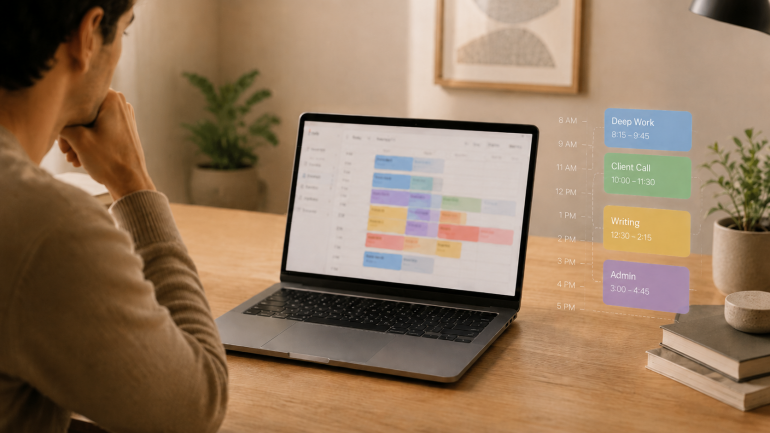
Image: Generated with ChatGPT
The best timeboxing apps for Mac fix the part of productivity that planning alone never solves. Most productivity advice tells you to “plan your day.” Planning is the easy part — a list of intentions takes ten minutes. The hard part is doing the work in the slot you set aside for it, and that is where these apps earn their keep.
Timeboxing means assigning one specific task to a specific slot on your calendar with a fixed end time. It is different from the Pomodoro technique (a repeating 25/5 cycle for whatever is in front of you) and broader than time blocking (which groups similar tasks into longer activity blocks). For the wider category map, our guide to block scheduling covers all four approaches side by side.
Timeboxing builds the plan. Automatic time tracking provides the proof — the part most planners skip. We will cover eight timeboxing apps for Mac, then show how pairing one with Timing closes the loop between what you intended to do and what you actually did.
-
The Best Accounting Software for Mac: 9 Honest Picks for 2026
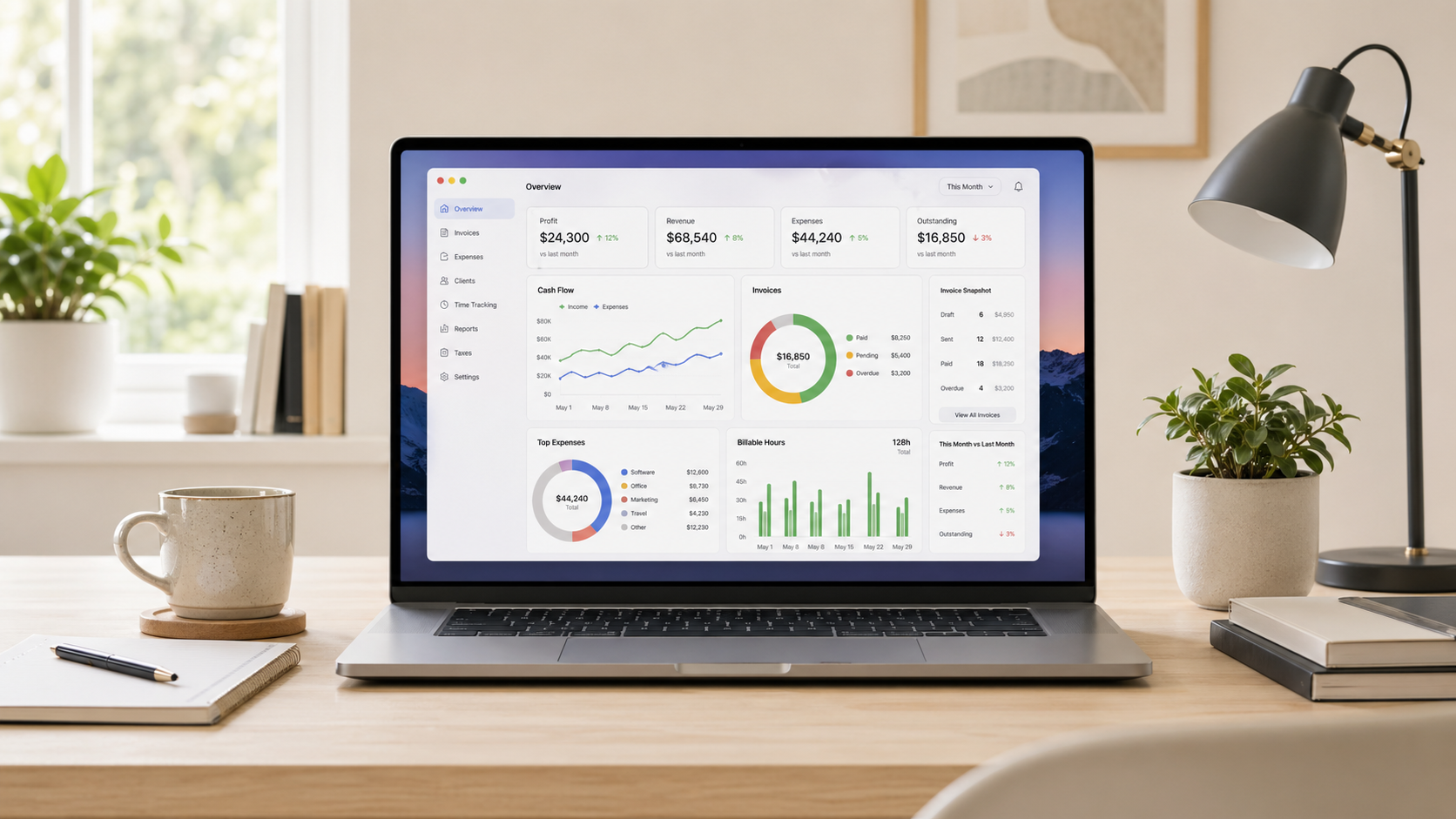
Image generated by ChatGPT
TL;DR
The best accounting software for Mac depends on what your business needs. QuickBooks Online is the US standard, Xero is the best all-round alternative and FreshBooks is the top pick for freelancers. All of the apps in this guide work on Mac — but they’re not all created equal. Here, we review them in detail so that you can find the one that’s right for you.
Finding the best accounting software for Mac can be a frustrating experience. It’s a crowded market, the feature sets tend to overlap, and not every app that claims Mac compatibility feels seamless and intuitive on Apple devices. Of course, there’s the added pressure that your chosen tool has the responsibility of managing your business’s finances. It’s got to be a solution you love — a tool that’s easy to use and meets your unique financial, tax and reporting needs.
To help you narrow your options, we’ve assessed nine of the leading Mac accounting software for freelancers, small businesses and growing teams. Take a look at our handy comparison table if you want to see a quick overview or dive into our reviews for a more detailed comparison.
-
The Best Apps for Time Management on Mac in 2026: A 4-Stage Toolkit

Image: Generated with ChatGPT
Most “best time management apps” lists pick fifteen random apps and rank them as if they’re solving the same problem. They aren’t. Time management isn’t one job. It’s four. The best apps for time management on Mac are the ones that fit cleanly into the four stages of a workday: plan, capture, focus, and track.
Mac users assemble their stack from specialists for a reason. The right calendar won’t make your day distraction-free. The strictest distraction blocker still won’t tell you where last Tuesday actually went. Each stage answers a different question, and trying to cover all four with one app usually means doing all four poorly. If you’re already looking at your habits, our guides on time management tips and how to limit distractions are good companion reads.
This guide is a curated stack rather than a feature list. We reviewed thirteen of the strongest apps for time management on Mac across the four stages, drawing on deep dives we’ve published this year on calendar apps, Pomodoro timers, distraction blockers, and time tracking apps.
-
The Best Journaling Apps for Mac: 10 Digital Diaries Compared (2026)

Image: Matheus Bertelli
TL;DR
If you’re trying to establish a journaling practice or improve your existing one, finding the right digital diary can take a little research. This roundup covers the 10 best journaling apps for Mac in 2026. It includes powerful all-rounders like Day One, structured tools like Grid Diary, and free, built-in solutions like Apple Journal. Take a look at our honest reviews and handy comparison to find the solution that best suits how you think and write.
The benefits of journaling are no longer anecdotal — the science speaks for itself. Maintaining a regular writing habit has been shown to alleviate depression, reduce the stress hormone cortisol, promote neuroplasticity, and even boost your immune function and physical health. If you’re looking for some or all of these advantages, our list of the best journaling apps for Mac is here to help.
Our reviews include everything from powerful heavyweights to minimal writing tools. And every app has been considered with Mac users specifically in mind. This means we’ve factored in how native the experience feels, how well it syncs between devices, and how it handles privacy. Whatever kind of journaler you are, or want to become, there’s something here for you.
-
The Best Pomodoro Apps for Mac in 2026: Focus Timers for Every Workflow

Image: Generated with ChatGPT
Looking for the best Pomodoro apps for Mac? We evaluated seven focus timers for macOS and picked the ones that go beyond a simple countdown — with distraction blocking, task management, Apple ecosystem sync, and session analytics. Whether you need a polished Apple-native timer, a strict website blocker, or a free open-source option, this guide covers it.
The Pomodoro technique has survived for nearly four decades because it solves a universal problem: you sit down to do deep work, and twenty minutes later you’re reading about the history of the Suez Canal on Wikipedia. The formula is simple — work for 25 minutes, break for 5, repeat. But when every timer app looks the same, the real value is in what happens around the countdown: blocking, tracking, syncing, and reporting.
We also explain how pairing a Pomodoro app with automatic time tracking gives you the complete picture of your workday — not just when you focused, but what you focused on.
-
Best Mac Menu Bar Apps in 2026: Tiny Utilities That Save You Hours
 Image generated by ChatGPT
TL;DR: Best Mac Menu Bar Apps in 2026
The best Mac menu bar apps help you do more with fewer clicks. What that means is up to you. Hiding cluttered icons, keeping key system stats visible, or joining meetings faster. Since menu bar space is limited (especially on notched MacBooks), every icon should earn its place with real information or quick actions. In this guide, we focus on tools that deliver meaningful value from the menu bar, not apps that simply take up space. We’ll also show how automatic time tracking, like Timing, fits into a power-user setup for tracking your work without constant manual timers.
If you’re hunting for the best menu bar apps for Mac, you’re probably trying to reduce friction in your workflow. You’re likely looking to minimize distractions, complete certain tasks quicker or get at-a-glance visibility. The menu bar can serve as a contained command center, but only if you keep it lean and filled with handy, regularly used tools. Here, we explore Mac menu bar apps that are designed to improve your menu bar experience, whatever your needs.
-
The 9 Best Distraction Blockers for Mac in 2026
 Image: Ola Dapo
TL;DR: Best Distraction Blocker for Mac in 2026
The best distraction blocker for Mac depends on how strict you need it to be. Freedom is the best all-rounder with cross-device blocking and Locked Mode. Cold Turkey is unbeatable for strict enforcement. SelfControl is the best free option. For a gentler approach, one sec uses behavioral science to break scrolling habits. And macOS Screen Time works for basic needs without installing anything new.
If you struggle with focus on your Mac, you’re not alone. Between Slack pings, social media tabs, and the endless pull of YouTube and Reddit, staying on task can feel impossible — especially when you work from home or set your own schedule.
A distraction blocker for Mac can help. Unlike simple website blockers that only prevent you from visiting certain URLs, the best distraction blockers take a more holistic approach. They block distracting apps and websites, manage notifications, enforce timed focus sessions, and even use behavioral science to break the automatic reach-for-your-phone habit.
We’ve reviewed the best distraction blockers for Mac in 2026 — from hardcore lockdown tools you genuinely cannot bypass, to gentle friction-based apps that nudge you back to work. Whether you’re a freelancer protecting billable hours, a student battling social media, or a remote worker who needs structure, there’s an option here for you.
Looking specifically for website blockers? Check out our companion guide: How to Block Websites on Mac, which covers step-by-step setup instructions and more technical blocking methods.
-
Die 12 besten Apps für Mac‑Power‑User – maximale Produktivität 2026

Bild generiert von Dall‑EIhr Mac ist eine leistungsstarke Maschine — nutzen Sie sein volles Potenzial? Mac‑Power‑User kennen die Leistungsreserven unter ihren Fingerspitzen. Sie wissen: Wer die erweiterten Möglichkeiten seines Systems versteht und die richtigen Tools einsetzt, kann seinen Workflow massiv beschleunigen und die Produktivität steigern. Während Gelegenheitsnutzer mit Grundfunktionen zufrieden sind, optimieren Power‑User jeden Handgriff, um schneller und effizienter zu arbeiten.
Der entscheidende Unterschied liegt oft in einem Arsenal spezialisierter Apps. Diese Tools sind nicht nur „nice to have“, sondern Game‑Changer, die die Interaktion mit dem Mac grundlegend verändern. Das Spektrum reicht von automatischer Zeiterfassung über blitzschnelle App‑Launcher bis hin zu mächtiger Automatisierungssoftware.
In diesem Beitrag definieren wir, was ein Mac‑Power‑User ist, skizzieren zentrale Eigenschaften und stellen 12 Apps vor, die Ihre Arbeit auf dem Mac auf ein neues Niveau heben.
-
The Best Text Expansion Tools for Mac: Save Hours with Snippets and Smart Autocomplete

Image credit: Mikhail Nilov
Text expansion tools are designed to save you hours of typing on your Mac. They work by monitoring your keystrokes and watching for specific trigger patterns you’ve defined. When you type a particular abbreviation, the app recognizes the trigger and expands to insert your specified content. Imagine typing entire paragraphs in seconds. Sounds life-changing? It is!
If you spend your days with your fingertips on your keyboard — and especially if you repeatedly type the same words and phrases — you’ll likely find a text expansion tool forever alters the way you work.
Here, we’ll explore the advantages of text expanders. Define the sectors and roles that tend to get the most out of them. Provide detailed reviews of the text expander solutions you should consider. And help you identify where autocomplete solutions like Cotypist might be better suited instead.
Let’s dive in.
TL;DR: Best Text Expansion Tools for Mac
- Best for teams: TextExpander — powerful snippet sharing, analytics and cross-platform sync (from $4.16/mo)
- Best for speed: Typinator — blazingly fast expansion with a redesigned UI, iOS app and Apple Intelligence integration (from $49.99 one-time or $29.99/yr)
- Best free option: Espanso — open-source, cross-platform and endlessly customizable via YAML config
- Best budget pick: aText — solid text expansion at just $4.99/yr or $29.99 lifetime
- Different approach — AI autocomplete: Cotypist — predicts what you’d write next, ideal for unique prose that can’t be templated
