
-
The Best Timeboxing Apps for Mac in 2026: Plan, Block, and Focus Your Day
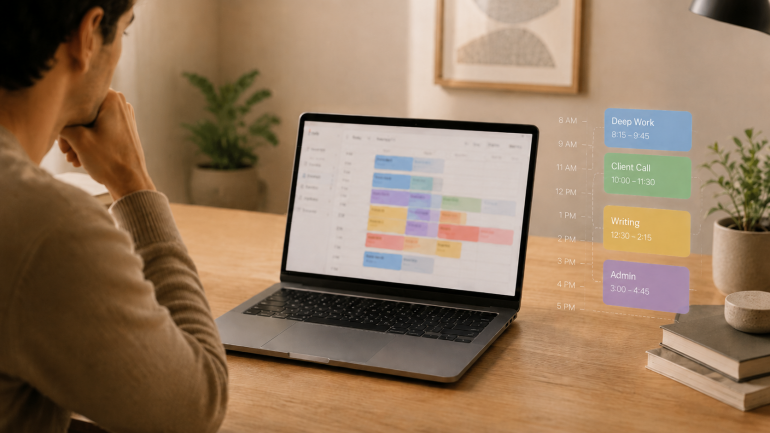
Image: Generated with ChatGPT
The best timeboxing apps for Mac fix the part of productivity that planning alone never solves. Most productivity advice tells you to “plan your day.” Planning is the easy part — a list of intentions takes ten minutes. The hard part is doing the work in the slot you set aside for it, and that is where these apps earn their keep.
Timeboxing means assigning one specific task to a specific slot on your calendar with a fixed end time. It is different from the Pomodoro technique (a repeating 25/5 cycle for whatever is in front of you) and broader than time blocking (which groups similar tasks into longer activity blocks). For the wider category map, our guide to block scheduling covers all four approaches side by side.
Timeboxing builds the plan. Automatic time tracking provides the proof — the part most planners skip. We will cover eight timeboxing apps for Mac, then show how pairing one with Timing closes the loop between what you intended to do and what you actually did.
-
The Best Apps for Time Management on Mac in 2026: A 4-Stage Toolkit
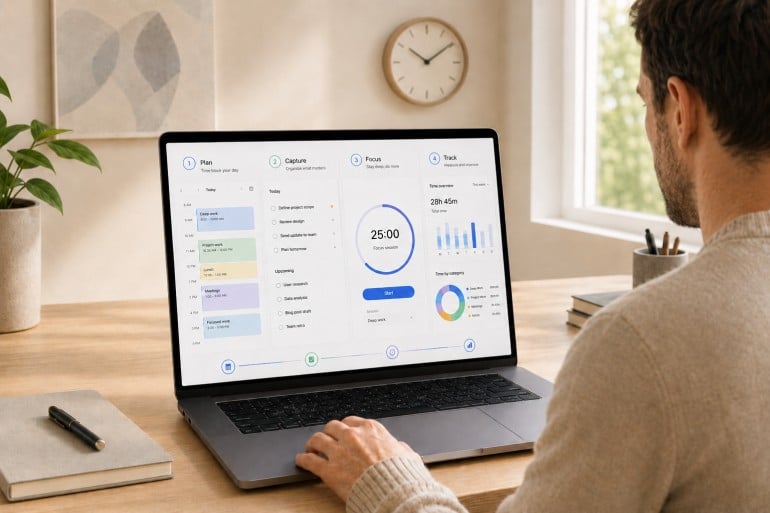
Image: Generated with ChatGPT
Most “best time management apps” lists pick fifteen random apps and rank them as if they’re solving the same problem. They aren’t. Time management isn’t one job. It’s four. The best apps for time management on Mac are the ones that fit cleanly into the four stages of a workday: plan, capture, focus, and track.
Mac users assemble their stack from specialists for a reason. The right calendar won’t make your day distraction-free. The strictest distraction blocker still won’t tell you where last Tuesday actually went. Each stage answers a different question, and trying to cover all four with one app usually means doing all four poorly. If you’re already looking at your habits, our guides on time management tips and how to limit distractions are good companion reads.
This guide is a curated stack rather than a feature list. We reviewed thirteen of the strongest apps for time management on Mac across the four stages, drawing on deep dives we’ve published this year on calendar apps, Pomodoro timers, distraction blockers, and time tracking apps.
-
The Best Pomodoro Apps for Mac in 2026: Focus Timers for Every Workflow
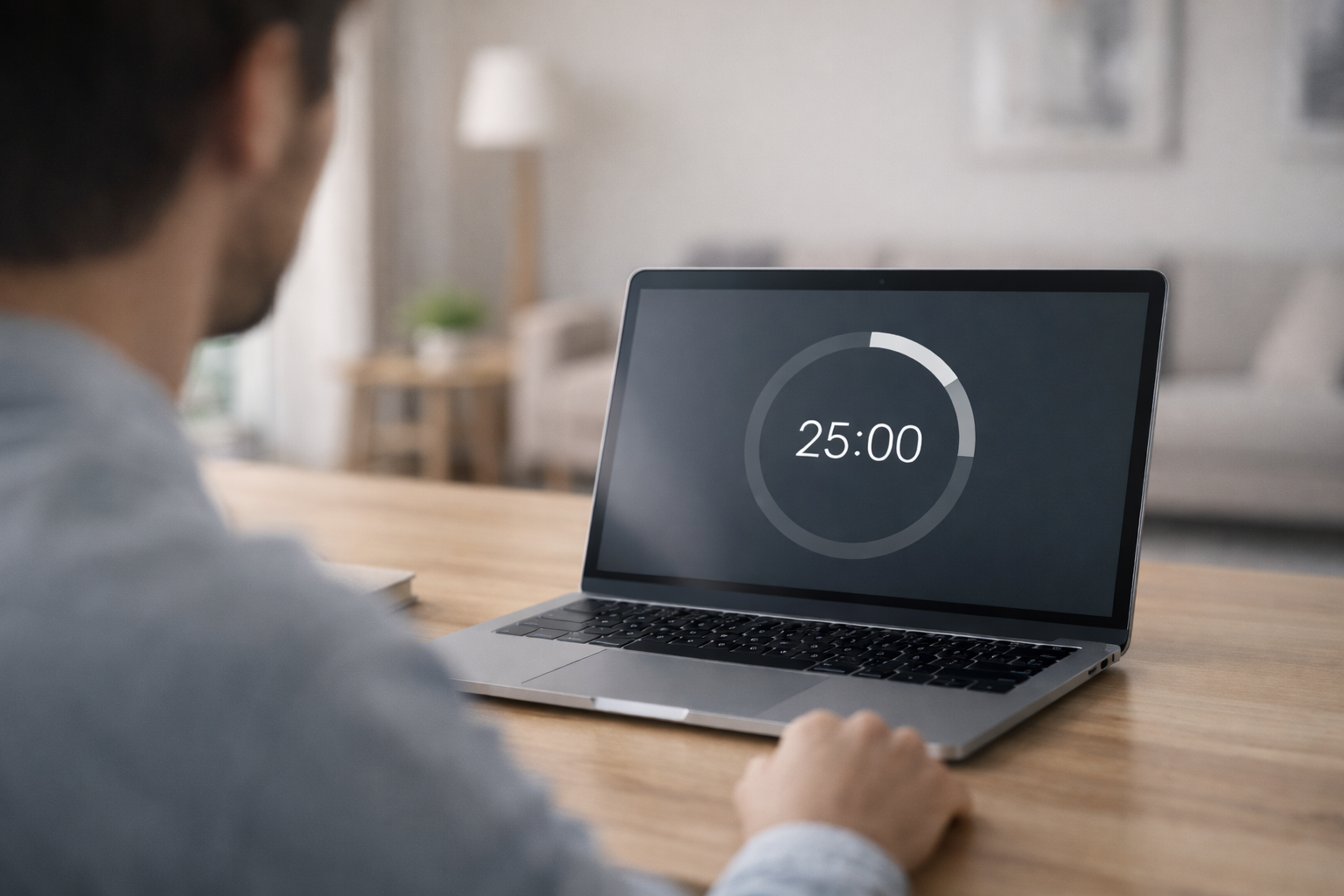
Image: Generated with ChatGPT
Looking for the best Pomodoro apps for Mac? We evaluated seven focus timers for macOS and picked the ones that go beyond a simple countdown — with distraction blocking, task management, Apple ecosystem sync, and session analytics. Whether you need a polished Apple-native timer, a strict website blocker, or a free open-source option, this guide covers it.
The Pomodoro technique has survived for nearly four decades because it solves a universal problem: you sit down to do deep work, and twenty minutes later you’re reading about the history of the Suez Canal on Wikipedia. The formula is simple — work for 25 minutes, break for 5, repeat. But when every timer app looks the same, the real value is in what happens around the countdown: blocking, tracking, syncing, and reporting.
We also explain how pairing a Pomodoro app with automatic time tracking gives you the complete picture of your workday — not just when you focused, but what you focused on.
-
9 Best RescueTime Alternatives in 2026 [Tested & Compared]
The best RescueTime alternative is Timing, which automatically tracks every app, document, and website you use on your Mac and lets you assign time to specific projects and clients for accurate billing — something RescueTime simply cannot do. But Timing is not the only option: depending on your workflow, platform, and budget, other tools may be a better fit.
In this guide, we compare nine of the best RescueTime alternatives side by side — covering features, pricing, privacy, and real user feedback — so you can find the right time tracker for the way you actually work.
Last reviewed and updated: March 11, 2026
-
The Best Writing Apps for Mac in 2026: Tools That Make Writing Easier

Image: William Fortunato
Writers write, so the saying goes. It’s overused advice, but if you’ve ever tried to produce an original piece of writing of any length, you’ll be familiar with its accuracy. While it can be tempting to focus on researching and planning your work, or exploring your publishing options, ultimately, the most important thing you can do is put pen to paper — or rather, fingertips to keyboard. Writers write: without the writing, none of the other pursuits matter. Fortunately, there are several tools designed to help you do exactly that. And our review of the best writing apps for Mac in 2026 is here to help.
If you’ve only ever used word processors like Word and Google Docs, you may think that they’re sufficient. And they certainly have their place for day-to-day tasks and short pieces of work. However, if you’re venturing into the land of long-form fiction or non-fiction, you’ll quickly find that you need a more comprehensive solution. Something that helps you store and access your research. That allows you to plot out your narrative and character development. That gives you a place to jot down useful ideas. And helps you structure your story into easy-to-navigate chapters or scenes.
You need a proper writing tool. Not a word processor or a research or note-taking app. But rather a Mac-native solution that is designed to help you bring your creative vision to life.
-
The 11 Best Calendar Apps for Mac in 2026
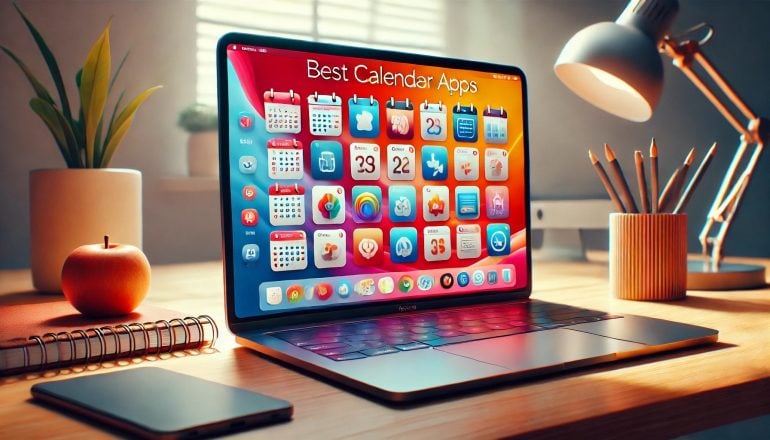
Image: Generated with Dall-EWhether you’re arranging work meetings or personal engagements, having the best calendar app for Mac is critical to managing your time effectively. The right calendar app can help you organize your schedule, improve your productivity, and collaborate well with others. It’s an essential value-add in maintaining control of your time and spending it wisely.
But with so many calendar apps on the market in 2026, how do you find the one that’s right for you? We’ve drawn up a list of the eleven best calendar apps for Mac and MacBook — including several free options. Each app has a few important characteristics that we recommend you look out for, as well as a couple of defining features that separate them from the rest. Whether you’re a freelancer, a small business owner, or part of a larger team, there’s a calendar app here that fits your workflow.
-
Die 11 besten Kalender-Apps für Mac – Vergleich 2026
Bild: Erstellt mit Dall-EOb Sie geschäftliche Meetings oder private Termine organisieren – die beste Kalender-App für Mac ist entscheidend für effektives Zeitmanagement. Die richtige Kalender-App hilft Ihnen dabei, Ihren Zeitplan zu organisieren, Ihre Produktivität zu steigern und effizient mit anderen zusammenzuarbeiten. Sie ist ein unverzichtbares Werkzeug, um die Kontrolle über Ihre Zeit zu behalten und sie sinnvoll zu nutzen.
Aber wie finden Sie bei der Vielzahl an Kalender-Apps auf dem Markt in 2026 die richtige für sich? Wir haben eine Liste der elf besten Kalender-Apps für Mac und MacBook zusammengestellt – darunter auch mehrere kostenlose Optionen. Jede App verfügt über wichtige Eigenschaften, auf die Sie achten sollten, sowie einige besondere Funktionen, die sie von den anderen unterscheiden. Egal ob Sie Freelancer, Kleinunternehmer oder Teil eines größeren Teams sind – hier finden Sie die passende Kalender-App für Ihren Workflow.
-
The 15 Best Mac Productivity Apps in 2026
Image: Generated with Dall-EAs a Mac user, you’re likely tech-savvy, quality-conscious, and expect high performance from your tools. With increasing demands for efficiency, remote work, and task management, finding the best productivity apps for Mac is essential to optimizing your workflow and making the most of macOS’s seamless integration.
Mac apps aren’t just about functionality—they are designed to feel native, leveraging Apple’s robust system capabilities to deliver unmatched stability, performance, and a refined user experience. Alongside these powerful apps, mastering Mac keyboard shortcuts can further boost your efficiency, helping you execute tasks swiftly and navigate your Mac with ease.
The growing ecosystem of Mac productivity apps makes it easier than ever to build a personalized tech stack that supercharges your workflow. Innovative tools like Timing’s automatic call tracking and Screen Time tracking across devices, or BetterTouchTool’s Mac window management, allow you to customize your setup, making your workday smoother and more intuitive.
To help you navigate the best options, here’s our curated list of the best productivity apps for Mac in 2026 that will elevate your efficiency and help you work smarter.
-
2026 New Year Resolutions Ideas: Build on 2025’s Learnings

Image generated by Dall-E
As 2025 winds down, many of us are looking for new year resolutions ideas that actually stick. The goal isn’t to overhaul your life overnight, but to choose realistic, trackable behaviors that improve focus, energy, and well‑being. If you’ve been searching for New Year’s resolutions ideas that support better work and life balance, you’re in the right place.
Looking back, many of us struggled with overstuffed goals, inconsistent routines, and vague accountability. In 2026, we’ll fix that with simpler productivity resolutions, stronger feedback loops, and smarter time management resolutions that respect your capacity.
At Timing, we’ve been exploring ways to work smarter, reduce stress, and increase happiness in our day‑to‑day lives. Building on the lessons of 2025, we’ve compiled 21 practical new year resolutions ideas for realistic resolutions for 2026 that you can measure, adjust, and sustain—especially useful for freelancers, consultants, and small teams with ambitious work goals for 2026.
-
Bildschirmzeit am Mac: Alles, was Sie wissen müssen
 Bildquelle: Damian Patkowski
Wer weiß, wie er seine Zeit verbringt, kann produktiver und fokussierter arbeiten. Indem wir Verhaltensmuster erkennen, finden wir die richtige Balance zwischen verschiedenen Aktivitäten. Doch woher wissen wir, wohin unsere Zeit fließt? Ein Zeiterfassungstool wie Bildschirmzeit für Mac ist ein guter Anfang. (Aber nicht die einzige Option!)
Bildschirmzeit war zunächst eine Funktion für iPhone und iPad, ist aber schon seit einiger Zeit auf allen Apple-Geräten verfügbar, einschließlich Macs. Die Bildschirmzeit auf dem Mac erschien erstmals mit macOS 10.15 Catalina und ist in allen nachfolgenden Versionen enthalten, bis hin zu macOS 27, in dem Apple die Einstellungen für die Bildschirmzeit neu gestaltet hat.
