
-
The Best Timeboxing Apps for Mac in 2026: Plan, Block, and Focus Your Day
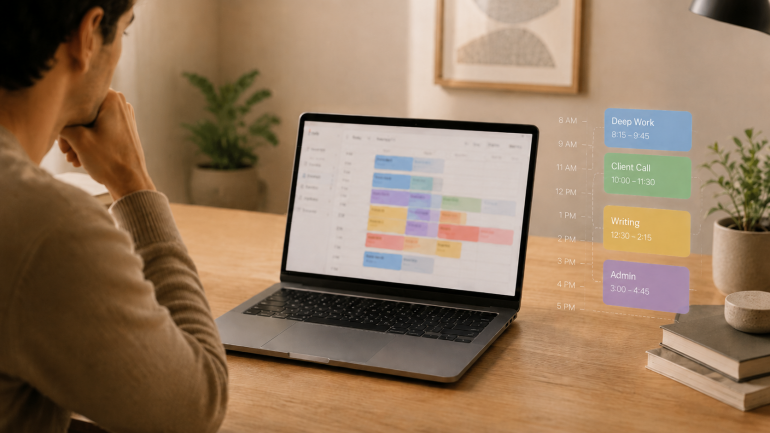
Image: Generated with ChatGPT
The best timeboxing apps for Mac fix the part of productivity that planning alone never solves. Most productivity advice tells you to “plan your day.” Planning is the easy part — a list of intentions takes ten minutes. The hard part is doing the work in the slot you set aside for it, and that is where these apps earn their keep.
Timeboxing means assigning one specific task to a specific slot on your calendar with a fixed end time. It is different from the Pomodoro technique (a repeating 25/5 cycle for whatever is in front of you) and broader than time blocking (which groups similar tasks into longer activity blocks). For the wider category map, our guide to block scheduling covers all four approaches side by side.
Timeboxing builds the plan. Automatic time tracking provides the proof — the part most planners skip. We will cover eight timeboxing apps for Mac, then show how pairing one with Timing closes the loop between what you intended to do and what you actually did.
-
The Best Pomodoro Apps for Mac in 2026: Focus Timers for Every Workflow
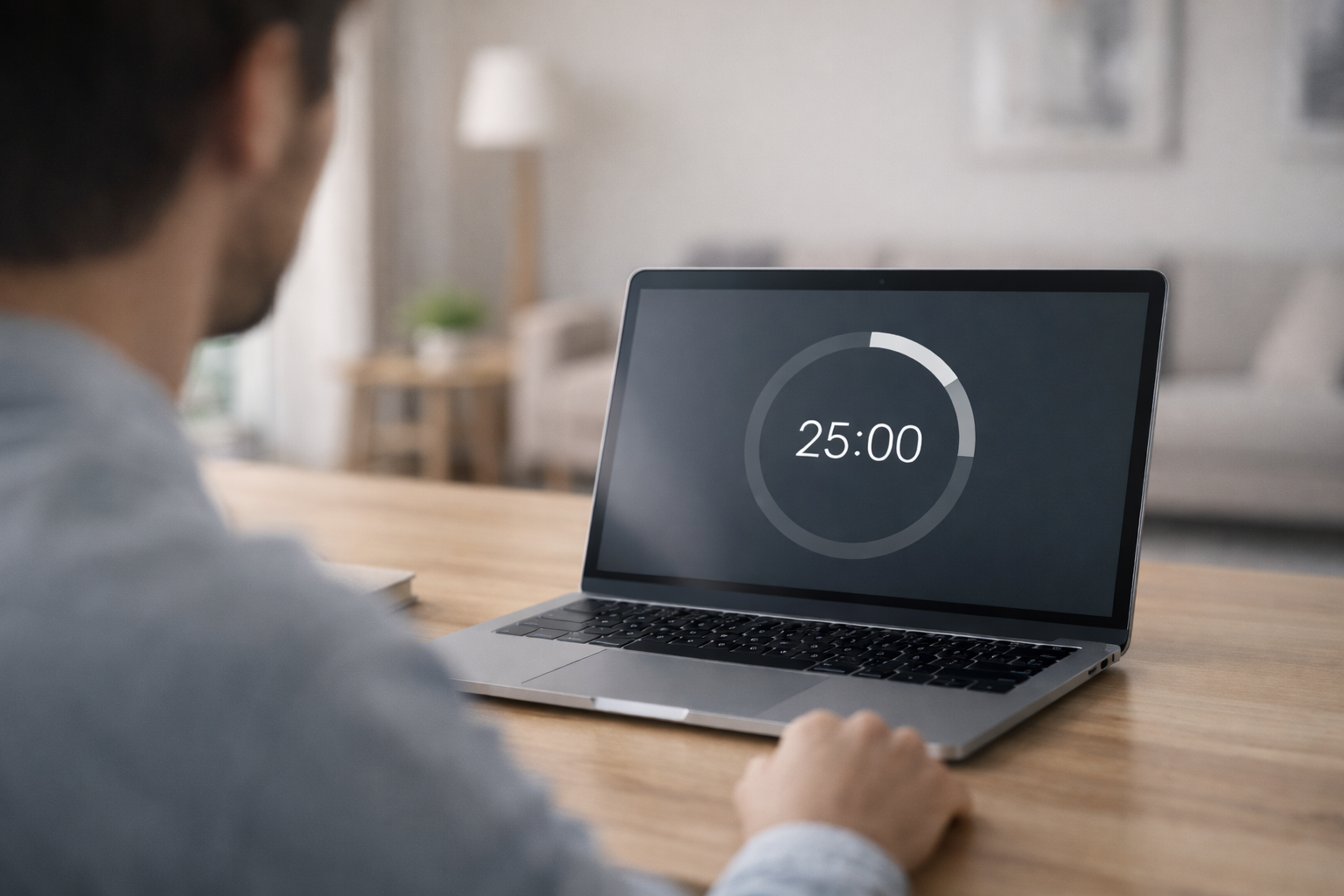
Image: Generated with ChatGPT
Looking for the best Pomodoro apps for Mac? We evaluated seven focus timers for macOS and picked the ones that go beyond a simple countdown — with distraction blocking, task management, Apple ecosystem sync, and session analytics. Whether you need a polished Apple-native timer, a strict website blocker, or a free open-source option, this guide covers it.
The Pomodoro technique has survived for nearly four decades because it solves a universal problem: you sit down to do deep work, and twenty minutes later you’re reading about the history of the Suez Canal on Wikipedia. The formula is simple — work for 25 minutes, break for 5, repeat. But when every timer app looks the same, the real value is in what happens around the countdown: blocking, tracking, syncing, and reporting.
We also explain how pairing a Pomodoro app with automatic time tracking gives you the complete picture of your workday — not just when you focused, but what you focused on.
-
The 9 Best Distraction Blockers for Mac in 2026
 Image: Ola Dapo
TL;DR: Best Distraction Blocker for Mac in 2026
The best distraction blocker for Mac depends on how strict you need it to be. Freedom is the best all-rounder with cross-device blocking and Locked Mode. Cold Turkey is unbeatable for strict enforcement. SelfControl is the best free option. For a gentler approach, one sec uses behavioral science to break scrolling habits. And macOS Screen Time works for basic needs without installing anything new.
If you struggle with focus on your Mac, you’re not alone. Between Slack pings, social media tabs, and the endless pull of YouTube and Reddit, staying on task can feel impossible — especially when you work from home or set your own schedule.
A distraction blocker for Mac can help. Unlike simple website blockers that only prevent you from visiting certain URLs, the best distraction blockers take a more holistic approach. They block distracting apps and websites, manage notifications, enforce timed focus sessions, and even use behavioral science to break the automatic reach-for-your-phone habit.
We’ve reviewed the best distraction blockers for Mac in 2026 — from hardcore lockdown tools you genuinely cannot bypass, to gentle friction-based apps that nudge you back to work. Whether you’re a freelancer protecting billable hours, a student battling social media, or a remote worker who needs structure, there’s an option here for you.
Looking specifically for website blockers? Check out our companion guide: How to Block Websites on Mac, which covers step-by-step setup instructions and more technical blocking methods.
-
How to Block Websites on Mac (2026): Top Apps and Tips for Focus and Deep Work

Image: Anna TarazevichTL;DR You can block websites on a Mac using Screen Time (built-in), or a dedicated website blocker like Freedom, Cold Turkey or SelfControl. Screen Time is great for setting simple limits. But you might need a dedicated blocker for scheduling, multiple-browser coverage, or stricter sessions that are harder to bypass. If you’re wondering how to block websites on Mac, there are several options available to you. You can opt for Apple’s built-in Screen Time if you’re after a free, pre-installed solution that offers basic blocking. Or you can install a dedicated website blocker for Mac like Freedom, Cold Turkey Blocker or SelfControl. These solutions provide features Screen Time can’t match, including scheduled sessions, cross-device syncing, unbreakable enforcement, and the ability to block both websites and desktop apps.
Wondering where to start? We’ve reviewed the best Mac focus tools and website blockers for 2026. They range from gentle friction approaches that encourage you to focus, to hardcore lockdown modes that won’t let your distraction impulses win.
Let’s dive in.
-
Top 10 Time Management Tips: Work Less, Achieve More

Image: Firmbee.com
What constitutes a working week for most people? Does the old Monday to Friday, 9am to 5pm, norm still stand? Well, if the results of the world’s biggest four-day workweek trial are anything to go by: probably not. In fact, it’s likely safe to say that the working week revolution is underway. Now more than ever, businesses are using smart time management tips that can help professionals live more productive balanced lives.
The old nine-to-five workweek structure goes back over 200 years. So, it’s been due for a revamp for quite some time. Part of dismantling this system and implementing a new solution, however, has involved understanding how to manage time effectively.
Freelancers and professionals who need to bill time accurately have always understood the importance of effective time management strategies. The pandemic fuelled interest in this issue among broader business groups. We balanced our professional endeavors with our domestic commitments in increasingly blurred ways during the early 2020s. And as we did, we started to ask ourselves: are there time management tips that could help us do more and work less?
The answer is yes. Let’s dive in.
-
How Deep Work Can Help Increase Your Productivity
In our age of constant distraction, true productivity is never quite within our reach. This is a huge issue for knowledge workers, who are often distracted from their main tasks by administrative work, emails, chat notifications, and, of course, social media.
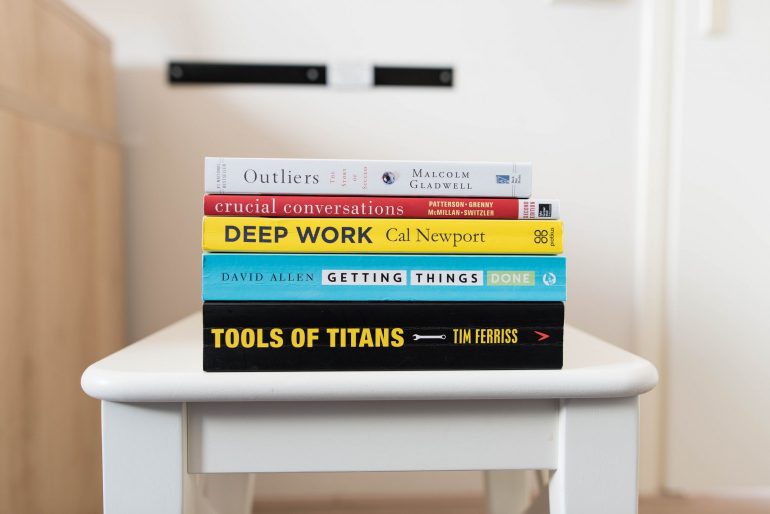
But what’s the answer to this issue? According to writer and computer science professor Cal Newport, the solution is ‘deep work’. Newport believes that by reducing or eliminating ‘shallow work’ and prioritizing ‘deep work’, we can regain our lost focus and improve our productivity, skills, and even our happiness.
In this article, you’ll discover how deep work can benefit your professional and personal life and how you can implement a deep work strategy. As an entrepreneur, you’ll learn how deep work can help your business grow and develop, and if you have employees, these tips can be passed down to benefit your whole organization.
