-
Introducing Timing for Teams: Share Projects and Time Entries with Your Entire Team!
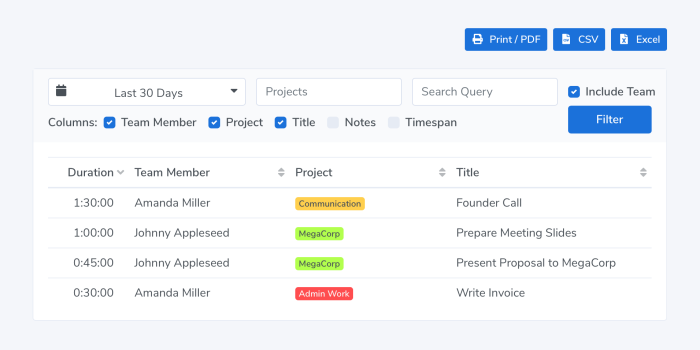
We are happy to announce the release of Timing 2021.1, featuring Timing for Teams!
Timing for Mac has always been a great way to track your time as an individual.
However, so far it has been cumbersome to coordinate your Timing projects across multiple team members.
Gathering timesheets from all team members has also been a difficult task, with a lot of emailing to collect all the needed reports.That’s where the brand-new Timing for Teams comes in.
It lets you share projects with team members and view their time entries in the Timing web app.
And with the year having just started, now is the ideal time to get your team’s time tracking in order!Read on for more information on how the new feature works, and how you can get the most out of it! Read More…
-
Timing 2020.10: Completely New Design & Ready for macOS Big Sur!
We are happy to announce the release of Timing 2020.10, featuring a whole new design and full compatibility with macOS Big Sur!
This summer, when Apple announced sweeping design changes coming to macOS Big Sur, we took the opportunity to refresh the design of Timing on all versions of macOS. This is the result:
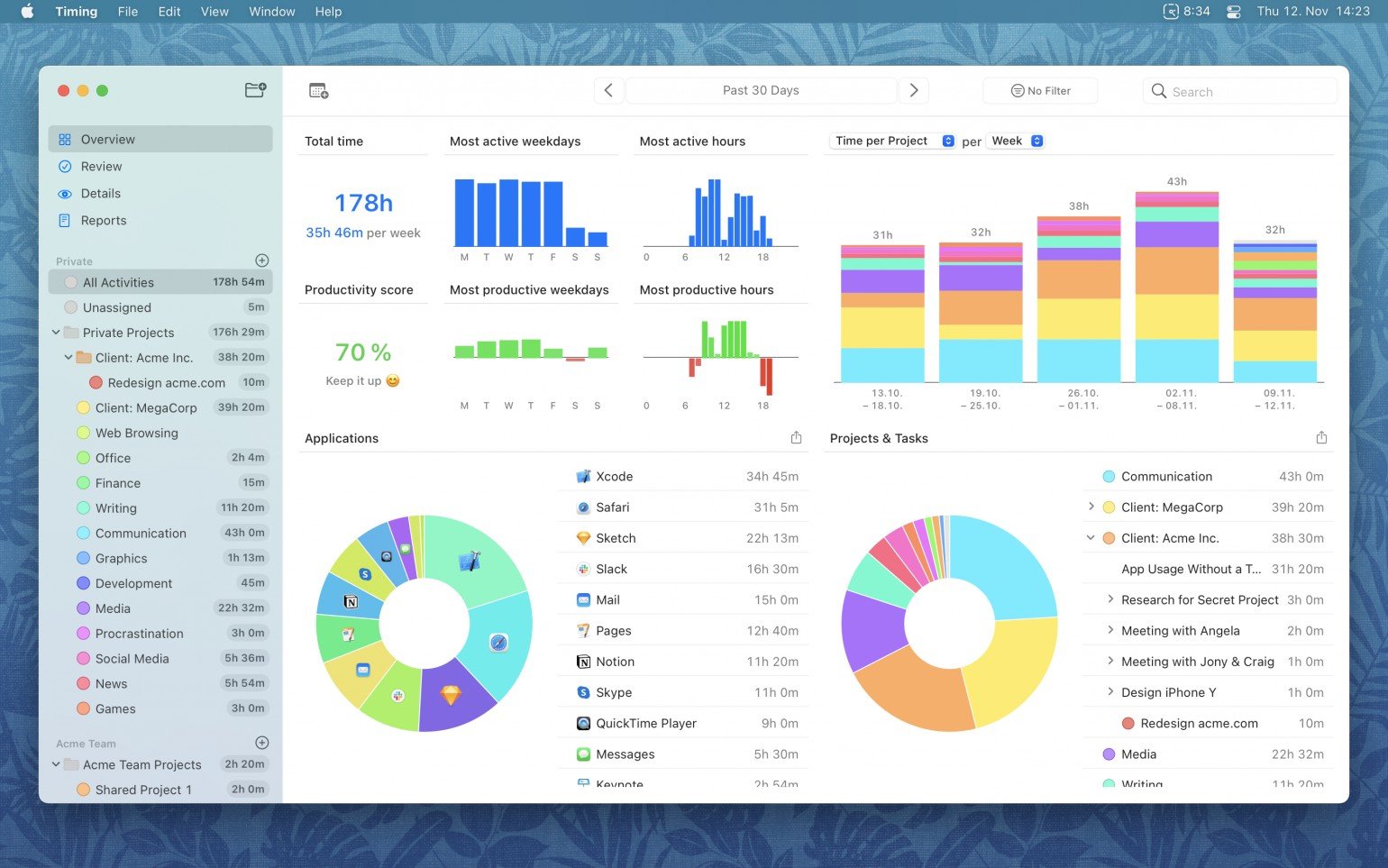
As you can see, we touched every bit of Timing’s interface, reducing visual noise and focusing on the stuff that you are here for: what you spent your time on.
But that’s not all — Timing has an all-new icon, created by Matthew Skiles: