
-
The 9 Best Distraction Blockers for Mac in 2026
 Image: Ola Dapo
TL;DR: Best Distraction Blocker for Mac in 2026
The best distraction blocker for Mac depends on how strict you need it to be. Freedom is the best all-rounder with cross-device blocking and Locked Mode. Cold Turkey is unbeatable for strict enforcement. SelfControl is the best free option. For a gentler approach, one sec uses behavioral science to break scrolling habits. And macOS Screen Time works for basic needs without installing anything new.
If you struggle with focus on your Mac, you’re not alone. Between Slack pings, social media tabs, and the endless pull of YouTube and Reddit, staying on task can feel impossible — especially when you work from home or set your own schedule.
A distraction blocker for Mac can help. Unlike simple website blockers that only prevent you from visiting certain URLs, the best distraction blockers take a more holistic approach. They block distracting apps and websites, manage notifications, enforce timed focus sessions, and even use behavioral science to break the automatic reach-for-your-phone habit.
We’ve reviewed the best distraction blockers for Mac in 2026 — from hardcore lockdown tools you genuinely cannot bypass, to gentle friction-based apps that nudge you back to work. Whether you’re a freelancer protecting billable hours, a student battling social media, or a remote worker who needs structure, there’s an option here for you.
Looking specifically for website blockers? Check out our companion guide: How to Block Websites on Mac, which covers step-by-step setup instructions and more technical blocking methods.
-
Bildschirmzeit auf iPhone, iPad & Mac: Leitfaden 2026
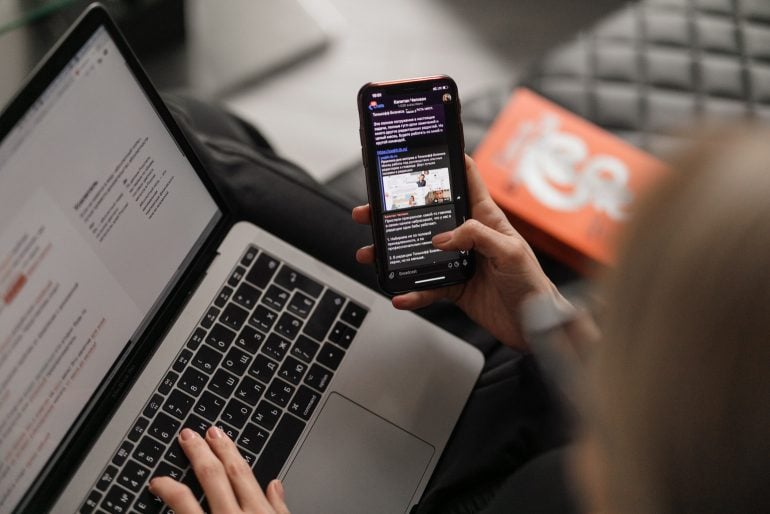
Es versteht sich fast von selbst: Ohne unsere digitalen Geräte könnten wir heute kaum leben. Sie sind zu einem unverzichtbaren Bestandteil unseres Privat- und Berufslebens geworden und verbinden uns aus den unterschiedlichsten Gründen täglich unzählige Male mit Freunden, Familie, Kolleginnen und Kollegen – und dem Rest der Welt.
Wie oft genau am Tag? Laut einer Reviews.org-Umfrage von Ende 2025 greifen US-Amerikaner durchschnittlich 186-mal pro Tag zum Smartphone – und fast 85 % von uns nehmen das Handy innerhalb von zehn Minuten nach dem Aufwachen in die Hand. Egal, wie unsere Gewohnheiten aussehen: Wer seinen Bericht zur Bildschirmzeit (Screen Time) ansieht, wird vermutlich feststellen, dass wir mehr als zwei Monate pro Jahr am Smartphone verbringen. In den USA liegt der Durchschnitt bei rund 4 Stunden und 43 Minuten täglicher Bildschirmzeit – das summiert sich auf etwa 72 Tage im Jahr.
Doch ist jede dieser Interaktionen sinnvoll? Nutzen wir unsere Zeit produktiv – zum Lernen, Arbeiten und zur Unterhaltung –, oder vertreiben wir uns nur die Stunden? Wo verläuft bei Smartphone, Tablet und Computer die Grenze zwischen Hilfe und Ablenkung, und kann das Bewusstsein für die eigene Bildschirmzeit helfen, die Smartphone-Nutzung besser zu steuern?
Sehen wir uns an, wie die Überwachung Ihrer Apps mit Bildschirmzeit (Screen Time) auf dem iPhone Ihr Zeitbewusstsein schärfen und so Ihre Produktivität steigern kann. Außerdem klären wir, welche Alternativen es gibt. (Spoiler: Ja, es gibt welche!)
-
Screen Time on Your iPhone, iPad and Mac: The Definitive Guide in 2026
It probably goes without saying, but we couldn’t live without them: our digital devices are arguably among the most indispensable parts of our personal and professional lives, connecting us to friends, family, colleagues, and the rest of the world for a multitude of reasons numerous times a day.
How many times a day exactly? According to a Reviews.org survey from late 2025, Americans check their phones an average of 186 times per day—and nearly 85% of us reach for our phones within 10 minutes of waking up. Whatever our habits, if we look at our Screen Time report, many of us will likely find that we’re spending over two months a year on our phones. In the US, the average is around 4 hours and 43 minutes of daily screen time—that adds up to roughly 72 days a year.
But is every one of these instances worthwhile? Are we using our time productively, to learn, work and be entertained, or are we simply whiling away the hours? When it comes to our phones, tablets and computers, where is the line between help and hindrance, and can being aware of our screen time help us to manage our phone usage better?
Let’s look at how monitoring the apps you’re using through Screen Time on iPhone can help you to be more aware of your time, and boost your productivity in the process. We’ll also ask whether there are any alternatives for you to consider. (Spoiler alert: there are!)
-
How to Block Websites on Mac (2026): Top Apps and Tips for Focus and Deep Work
Image: Anna TarazevichTL;DR You can block websites on a Mac using Screen Time (built-in), or a dedicated website blocker like Freedom, Cold Turkey or SelfControl. Screen Time is great for setting simple limits. But you might need a dedicated blocker for scheduling, multiple-browser coverage, or stricter sessions that are harder to bypass. If you’re wondering how to block websites on Mac, there are several options available to you. You can opt for Apple’s built-in Screen Time if you’re after a free, pre-installed solution that offers basic blocking. Or you can install a dedicated website blocker for Mac like Freedom, Cold Turkey Blocker or SelfControl. These solutions provide features Screen Time can’t match, including scheduled sessions, cross-device syncing, unbreakable enforcement, and the ability to block both websites and desktop apps.
Wondering where to start? We’ve reviewed the best Mac focus tools and website blockers for 2026. They range from gentle friction approaches that encourage you to focus, to hardcore lockdown modes that won’t let your distraction impulses win.
Let’s dive in.
-
Warum lasse ich mich so leicht ablenken? 8 Tipps für mehr Fokus
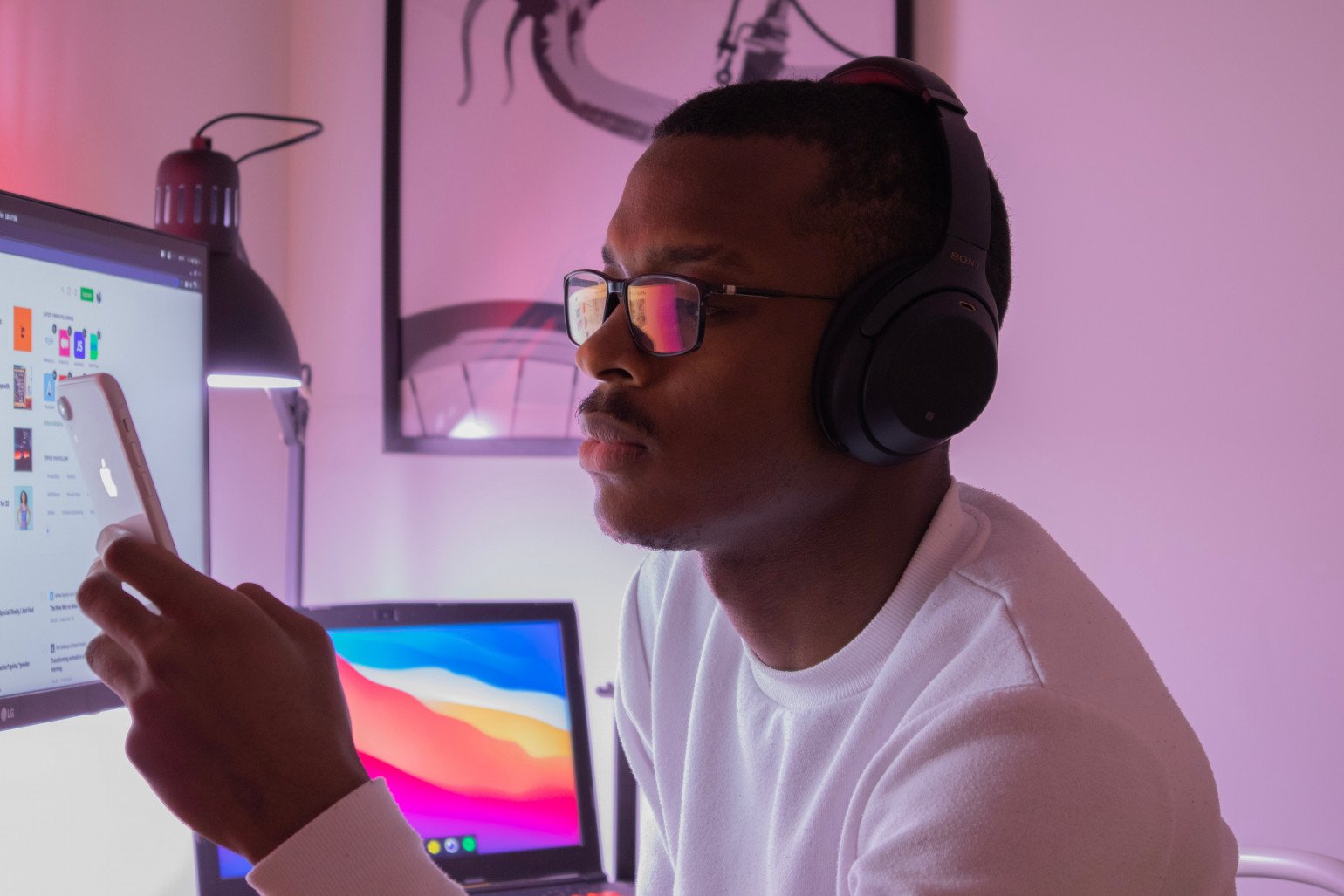 Bild: Nubelson Fernandes
Kurze Antwort: Sie lassen sich leicht ablenken, weil interne Faktoren (Stress, Müdigkeit, Hunger, psychische Erkrankungen) oder externe Faktoren (Smartphone-Benachrichtigungen, Unterbrechungen am Arbeitsplatz, Hintergrundgeräusche) Ihren Fokus stören. Studien zeigen: Wir verbringen 47% unserer Zeit gedanklich abgelenkt und wechseln im Schnitt alle 3 Minuten die Aufgabe. Die Lösung: Identifizieren Sie Ihre persönlichen Ablenkungsquellen und setzen Sie gezielte Strategien ein – vom Flugmodus über gebündeltes E-Mail-Prüfen und Website-Blocker bis zur automatischen Zeiterfassung.
Sie öffnen Ihren Laptop, setzen Ihre Prioritäten und starten in den Arbeitstag. Alles läuft rund, und Sie haben das Gefühl, dass ein produktiver Tag vor Ihnen liegt. Dann meldet sich Ihr Smartphone mit einer Nachricht. Vier E‑Mails treffen in kurzer Folge ein. Und Sie werfen „nur kurz“ einen Blick auf Ihren Social‑Media‑Feed. Ehe Sie sich versehen, ist der Tag vorbei. Und mit nur wenigen abgehakten Punkten auf Ihrer To‑do‑Liste fragen Sie sich: „Warum lasse ich mich so leicht ablenken?“
Sie sind nicht allein, wenn Sie sich ab und zu ablenken lassen. Laut einer Harvard‑Studie verbringen Menschen im Schnitt 47% ihrer Zeit damit, über etwas anderes nachzudenken. Und im Büro wird eine typische Bürokraft alle drei Minuten unterbrochen oder wechselt die Aufgabe. Da es nach einer Ablenkung über 23 Minuten dauern kann, wieder in den Fokus zu kommen, führt das zu zerrissenen Arbeitstagen.
Die Folgen sind weitreichend: Ablenkungen erschweren es, fokussiert zu bleiben, in Deep Work zu kommen und produktiv zu sein. Wenn Sie nichts gegen Ihre Ablenkungen unternehmen, leidet am Ende Ihr Erfolg.
Sehen wir uns an, warum Sie sich leicht ablenken lassen – und welche Tipps helfen, Ablenkungen zu begrenzen.
-
Bildschirmzeit am Mac: Alles, was Sie wissen müssen
 Bildquelle: Damian Patkowski
Wer weiß, wie er seine Zeit verbringt, kann produktiver und fokussierter arbeiten. Indem wir Verhaltensmuster erkennen, finden wir die richtige Balance zwischen verschiedenen Aktivitäten. Doch woher wissen wir, wohin unsere Zeit fließt? Ein Zeiterfassungstool wie Bildschirmzeit für Mac ist ein guter Anfang. (Aber nicht die einzige Option!)
Bildschirmzeit war zunächst eine Funktion für iPhone und iPad, ist aber schon seit einiger Zeit auf allen Apple-Geräten verfügbar, einschließlich Macs. Die Bildschirmzeit auf dem Mac erschien erstmals mit macOS 10.15 Catalina und ist in allen nachfolgenden Versionen enthalten, darunter macOS 11 Big Sur, macOS 12 Monterey und macOS 13 Ventura.
-
Why Do I Get Easily Distracted? 8 Tips to Help You Focus
Image: Nubelson FernandesShort Answer: You get easily distracted due to internal factors (stress, fatigue, hunger, mental health conditions) or external factors (phone notifications, workplace interruptions, background noise). Research shows we spend 47% of our time mind-wandering and switch tasks every 3 minutes on average. The fix: identify your specific triggers, then use targeted strategies like airplane mode, scheduled email checks, website blockers, and automatic time tracking to stay focused.
You open your laptop, sift through your priorities, and get started with your workday. Things begin smoothly, and you sense that you likely have a full, productive day ahead. Then, your phone pings with a text. Four emails arrive in a flurry. And you decide to check your social media feed, just for a minute. Before you know it, the day is gone. And with only a handful of items successfully ticked off your to-do list, you’re left asking yourself: “Why do I get easily distracted?”
You’re not alone if you get distracted from time to time. In fact, according to a Harvard study, most people spend 47% of their time thinking about something else. And in the workplace, the typical office worker gets interrupted or changes tasks every three minutes. Since it can take over 23 minutes to get back in the zone after a distraction, this makes for disjointed and disrupted workdays.
The consequences of this are far-reaching. Distractions make it difficult to stay focused, invest in deep work, and be productive. If you don’t put steps in place to address your distractions, they can ultimately impact your success.
Let’s take a look at why you might get distracted easily, and what tips you can use to limit your distractions.
-
Screen Time for Mac: Everything You Need to Know
Image source: Damian PatkowskiBeing aware of how we spend our time can help us be more productive and focused. By revealing patterns of behavior, it can also help us to find a balance between the time we spend on different activities. But how do we know where our time is going? Using a time tracking tool such as Screen Time for Mac is a useful place to start. (But, it’s not the only option!)
Screen Time was an iPhone and iPad feature first, but it’s been available across all Apple devices, including Macs, for some time. Mac Screen Time first came out with macOS 10.15 Catalina, and has continued to be available on all subsequent versions, including macOS 11 Big Sur, macOS 12 Monterey and macOS 13 Ventura.
